PBR image set
Octagonal Cross Fabric
A downloadable map set with the original image components, ready to connect in a material workflow.
- Maps
- 5
- Format
- Image maps
- Package
- ZIP
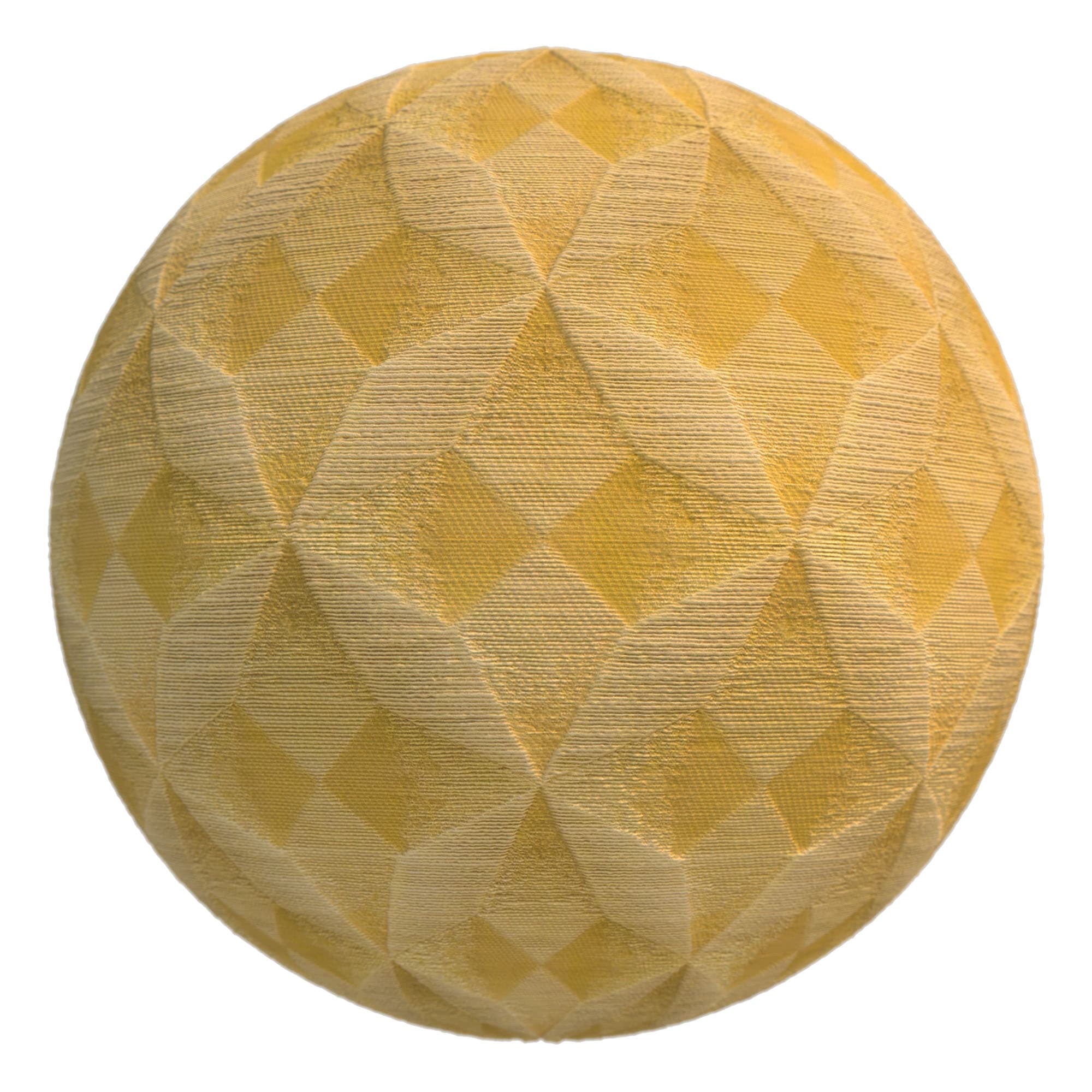
Inside the image set
Original map components.
- reference
- depth
- bump
- normal
- diffuse
Start with the color map
Build the material one input at a time.
Connect the color or diffuse image to base color. Add normal and bump information through the inputs your renderer expects, then add depth or height only after setting a conservative amount for the scene.
Use the maps
A simple setup sequence.
- Download and extract the ZIP.
- Connect color or diffuse to the material’s base-color input.
- Route normal, bump, and depth maps through their matching material inputs.
- Test scale and strength on a sample object; map conventions vary between renderers.
Compatibility
Bring your own renderer.
These are image maps, not renderer-specific presets. No current application or renderer version is claimed as tested. If normal detail appears inverted, try flipping the green/Y channel in your material workflow.