After Effects toolbar · 2.0 Beta
KBar Toolbar Set 2.0 Beta
A focused personal After Effects toolbar collection created and maintained by Deven James, with 37 tested workflow actions and six native kBar spacers.
- Release
- KBar Toolbar Set 2.0 Beta
- Creator
- Deven James
- Download
- Available
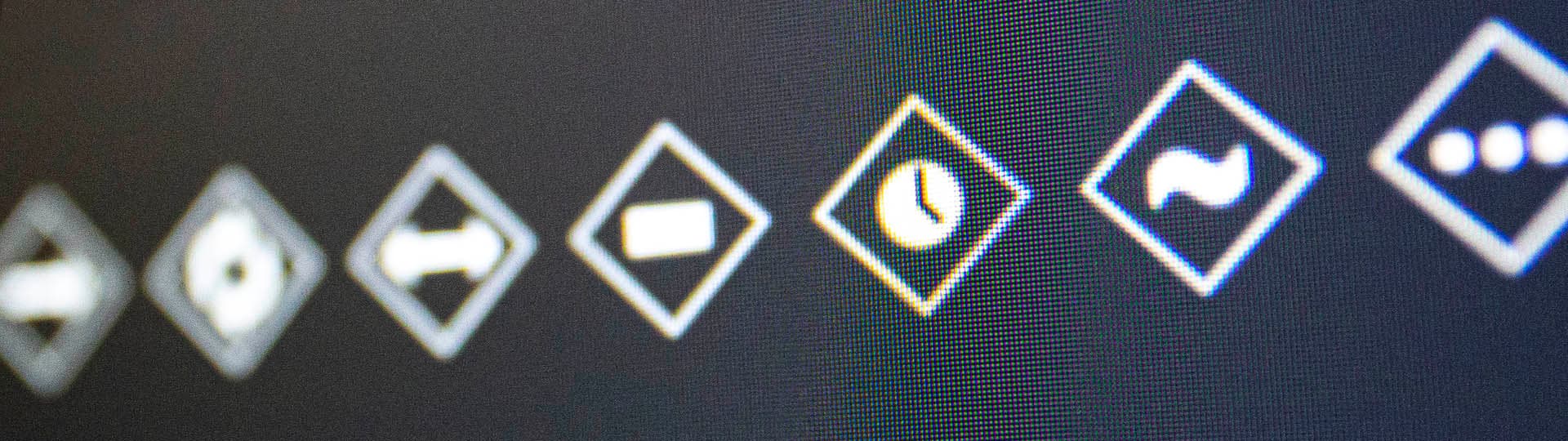
Toolbar preview
A working toolbar, from interface to icons.

What you get
One Standard toolbar for everyday After Effects work.
- One reviewed Standard .kbar toolbar with 37 functional actions and six native kBar spacers.
- Embedded first-party toolbar organization and icon artwork needed by the imported toolbar.
- A concise README, release notes, license, and SHA-256 checksums in one clean release ZIP.
Before you start
Install kBar, then import the toolbar.
Tested only in Adobe After Effects 2026 / 26.3 with kBar 3.1.5. All 37 actions and all six native spacers passed the applicable controlled tests. Older After Effects and kBar versions are not yet tested.
- Adobe After Effects2026 / 26.3 (tested)
- kBar3.1.5 (tested; required and not included)
- Optional third-party scripts, presets, plug-ins, effects, and integrationsNot included, not required, and not tested with this Standard beta
kBar is a separately distributed product and is required but not included. The Standard beta contains no optional third-party integration or payload. If users add separately distributed tools to their own setup, they must obtain them from their publishers and use their own installed copies.
Import + use
Four steps to a working toolbar.
- Install and license kBar separately from its publisher, then open kBar in After Effects.
- Use kBar's toolbar import control to select devenjames_kbar_toolbar_set_2_0_beta.kbar.
- Confirm the imported Standard toolbar appears, then try it first in a disposable After Effects project.
- Keep optional third-party tools separate; this beta neither includes nor requires them.
License + support
Use it, keep the original terms with it.
Personal workflow use and customization are permitted, with bounded internal team sharing. Public redistribution, resale, relicensing, marketplace upload, and third-party repackaging are not permitted.
Distributed under the included KBar Toolbar Set 2.0 Beta License.
Best-effort support is available for reproducible package defects. Older versions and third-party integrations remain outside this tested release.
Package details
Archive
193,589 bytes · SHA-256 f8c515253373c038ecaa907acb0877ff563b9317c3bd89b9e6bc82db09fcb753
The release ZIP contains the reviewed Standard .kbar, README, release notes, license, and checksums. It contains no nested executables, third-party payloads, private paths, or network URLs; the toolbar's script, preset, and shell payload arrays are empty.
Not included
- Historical toolbar packages, old production ZIPs, and the separate historical icon ZIP.
- Integrations, Conversions, Layer Stuff, and any other toolbar candidate.
- Third-party scripts, presets, JSXBIN files, plug-ins, effects, executables, and package bytes.
- Private paths, local configuration, audit/runtime artifacts, and unrelated historical documentation.
The historical kBar toolbar ZIP has been retired and is not redistributed or redirected to this package.